

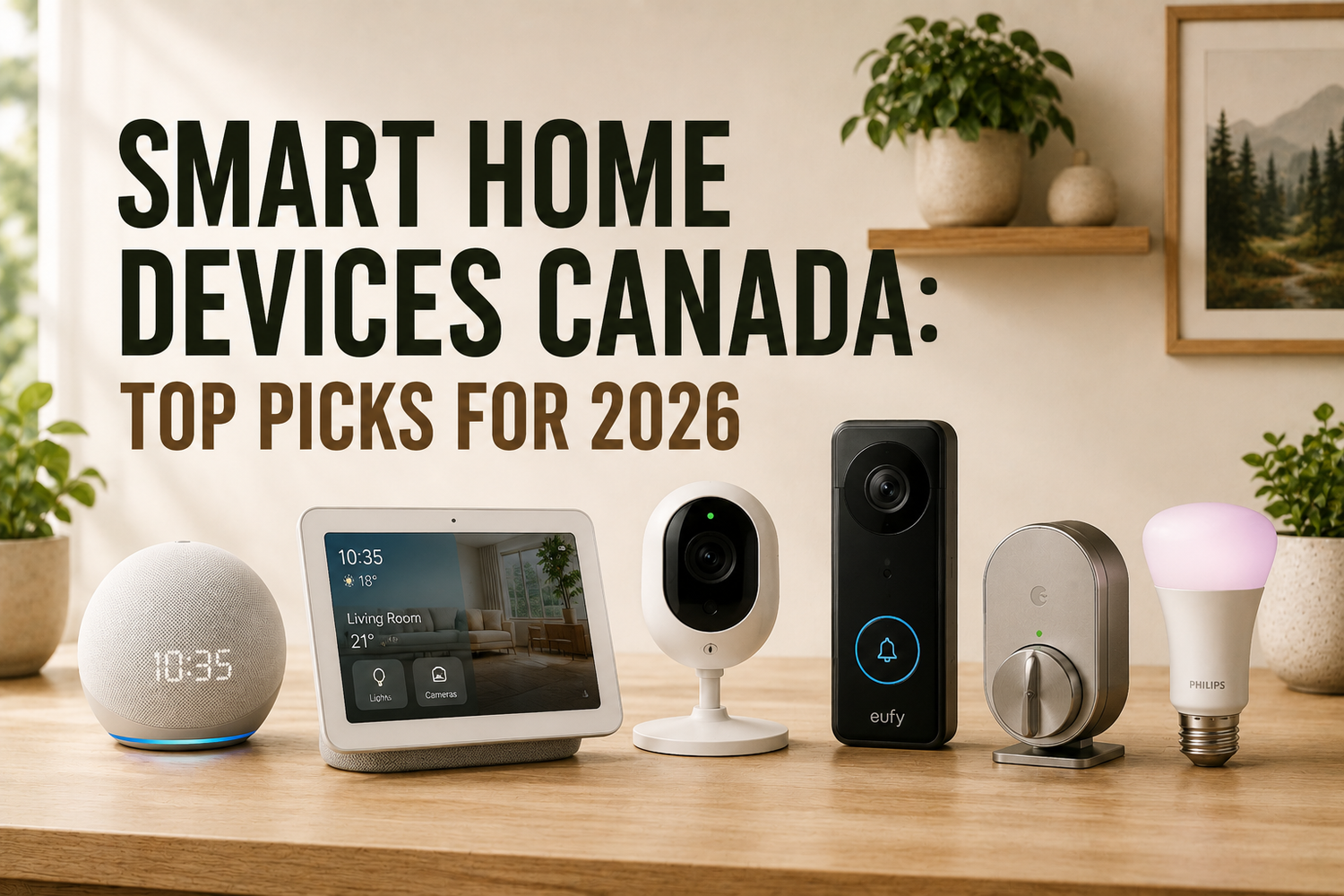
Most advice about smart home devices Canada gets it backwards. People are told to buy the biggest bundle of gadgets they can afford, then act surprised when half of them get used once and ignored forever. The smarter move is blunt and simpler, choose devices that earn a place in daily routines, fit your home's layout, and don't turn into a privacy headache later.
That matters in Canada because the market is growing fast, but usage is uneven. Canadian smart home spending is projected to rise from USD 4.18 billion in 2025 to USD 4.59 billion in 2026, then reach USD 7.39 billion by 2031, with a 9.96% CAGR for 2026 to 2031, while security products held the largest share at 16.45% in 2025 and smart appliances are forecast to grow fastest at 16.1% CAGR through 2031 (Mordor Intelligence). At the same time, independent Canadian reporting says household penetration is moving from roughly 35% in 2024 to 48% to 52% by 2026, with 7.1 million active households and 6.5 devices per home projected for 2026 (SourceReady).
The catch is that ownership doesn't equal daily use. If you buy based on hype, you end up with a drawer full of apps and a wall of half-configured devices. If you buy based on habit, you get a home that feels easier to live in.
Table of Contents
- Why Most Smart Home Purchases Gather Dust
- Smart Home Device Categories That Earn Daily Use
- Choosing the Right Wireless Protocol for Your Home
- Where to Buy Smart Home Devices in Canada
- Privacy and Complexity Barriers You Must Address First
- Decision Checklists for Every Canadian Household Type
- Building a Smart Home That Works in 2026
Why Most Smart Home Purchases Gather Dust
The biggest mistake homeowners make is treating a smart home like a shopping problem. It is a behaviour problem. If a device does not solve a repeating annoyance, it will not survive the novelty phase, and it ends up unused after setup even in homes that looked fully automated on day one.
Canadian homes make that failure easy to spot. Smart speakers and smart thermostats are the devices people keep reaching for, while lighting and cameras often sit in the background after the first few weeks. That pattern matters more than any feature list because it shows which products fit daily routines and which ones only look useful in the store.
Buy for repetition, not novelty.
The devices that earn a permanent place are the ones that remove a small task people repeat every day. In a Canadian winter, that usually means temperature control, voice assistants, and a few safety or convenience tools that do not demand constant attention. Lighting can still be useful, but if the setup is fussy or the app feels annoying, people stop touching it and the system loses its value fast.
Practical rule: if a device needs a long explanation every time someone in the home wants to use it, it is probably the wrong device.
That is why I push people toward a usage-first shortlist instead of a feature-first one. Thermostats, voice assistants, and a few key security tools make sense because they can become invisible habits. For co-living setups, the PadPulse smart lock guide for co-living is a better starting point than another flashy accessory. If your home already runs on Alexa, a focused list like smart home devices with Alexa helps you choose gear that people will use without extra coaching. By contrast, a gadget that only gets pulled out during a house tour is dead weight.
The right way to think about smart home devices Canada is simple. Ask what you will use on a Tuesday in February, not what sounds impressive in a product listing. If the answer is almost nothing, do not buy it yet.
Smart Home Device Categories That Earn Daily Use

Start with the categories that fit real routines
The categories that stick are the ones that solve a repeated problem without asking for attention. In Canadian homes, that usually means heating control, shared access, and a few safety tools that stay useful after the novelty wears off. Smart thermostats fit that pattern because heating matters for long stretches of the year, and smart speakers fit it because they become a control point the whole household can use. They also show up often in daily routines, which is the test.
Lighting gets more attention than it deserves. The demos look good, so people buy into the idea quickly, but use drops off if the switches, scenes, or app controls do not match how the room is lived in. Cameras have a similar problem. They matter for peace of mind, yet many households only open the feed when something has already happened, so ownership often outruns daily use.
If you want a device that multiple people can use without a training session, start with the thermostat. It is the cleanest first buy because it solves a shared problem and stays out of the way. For renters, roommates, or multi-family setups, a smart lock can also earn its place, especially when keys keep getting passed around or one person ends up managing access for everyone else. For that use case, the PadPulse smart lock guide for co-living is the right place to start because it focuses on day-to-day access, not gadget theater.
Match the device to the space, not the marketing
Canadian homes are not built the same way. Basements, multi-storey layouts, detached houses, and older wiring all change what feels easy to use. A device that works fine in a condo can become irritating in a house with a garage, a back entry, and a basement family room.
Sensors deserve more respect than they usually get. Motion, door, and leak sensors are not exciting, but they are useful because they handle the background jobs people forget about until something goes wrong. That is the kind of value that lasts, especially in homes where everyone is busy and no one wants another app to babysit.
Voice control only works when it fits the household. If the home already runs on Alexa, a focused Alexa devices guide for smart homes helps you choose gear that people will keep using instead of devices that only look good on the shelf. That matters more than extra settings or a polished product page, because consistency beats features nobody touches.
A good rule is simple. Buy one device that gets used every day before you buy three that only get admired. That is the difference between a smart home and a shelf full of intentions.
Choosing the Right Wireless Protocol for Your Home

Protocol choice sounds technical until pairing fails. Then it becomes a real-world problem. The wireless standard is the backbone of your setup, and in Canadian homes that matters more than the finish on the device or how polished the app looks.
Think in terms of range, clutter, and future compatibility
Matter is the compatibility story because it is built to help devices work across brands, while Zigbee and Z-Wave still matter in homes that want mesh-style reliability. Wi-Fi remains common because it is familiar and easy to understand, but it can put more pressure on your network when every device wants a direct connection. OCF's smart-home specification also shows that compatibility depends on architecture, discovery, transmission, device management, and security working together, not just on a box saying it is “smart” (ISO / OCF standard overview).
For Canadian houses, layout drives the decision. A 5 GHz connection can reduce interference, but it has shorter range than 2.4 GHz, which is a real issue in larger homes, basements, and multi-storey layouts. That means the cleanest-looking option on the shelf is not always the strongest option in the home you live in.
Use the protocol that fits the house you own, not the spec sheet you wish you had.
Standardise early, or pay for it later
A mixed system can work, but it usually creates support headaches. One app here, one hub there, and two devices that refuse to discover each other later. If you are starting from scratch, pick the ecosystem stack first, then buy devices that belong to it.
That matters in Canada because retailers often highlight different wireless bands and hub needs without making the trade-off obvious. Some hubs lean on Wi-Fi 5 (802.11ac) and 5.0 GHz operation, which is fine when the signal path is clean, but less forgiving when your router is in one corner and the device is in the basement. In practical terms, a dedicated hub is worth it when you need reliability across distance or through walls.
Use this decision order:
- Short-range condo setup: Wi-Fi-first devices are usually fine if you are adding only a few items.
- Larger house or basement-heavy layout: lean toward a hub-based system that handles mesh behaviour more gracefully.
- Future-proofing priority: look for Matter support, especially if you do not want to lock yourself into one brand.
- Many low-power devices: Zigbee-style networks are better suited when you want lots of small sensors without battery pain.
- Simple starter setup: skip complexity and buy fewer devices that all speak the same language.
Survey data from Digital Home Canada confirms these patterns, with smart speakers and thermostats seeing stronger daily use than devices people buy for novelty. Lighting is more complicated, people like the idea because demos look dramatic, but daily use falls off fast if the setup does not match how the room is used.
Before you buy, check whether the device needs a hub, whether it depends on a single brand's app, and whether it will still be easy to use after the first week. A useful example is a LeFant M210P robot vacuum review, because vacuums like that show how automation only earns its place when the routine stays simple.
Once you have chosen the protocol, keep it boring. Boring is good. Boring is stable. The right wireless setup disappears into the background, which is exactly what a smart home should do.
Where to Buy Smart Home Devices in Canada
Canadian shoppers shouldn't shop for smart devices the same way they shop for headphones. Warranty coverage, returns, and support matter more here because bad purchases are harder to undo once devices are installed and paired. The safest buying decision is often the one that makes post-purchase support easy.
Compare channels by risk, not just price
Big-box retailers are usually the easiest place to start because returns and in-person support are clearer. Canadian online marketplaces can be fine too, but you need to watch the seller name, not just the product listing. Grey-market imports are where people get burned, especially when packaging, app support, or warranty coverage doesn't line up with Canadian expectations.
If you want a curated route instead of hunting through endless listings, GrifGlo is built for that kind of decision-making. It groups home, kitchen, organisation, and smart living products into clearer categories, which helps shoppers compare options without getting buried in a hundred near-identical listings. For smart-home buyers who care more about fit and usability than hype, that structure is useful.
Buy from the channel that matches your tolerance for hassle
If you hate returns, buy through a seller with straightforward Canadian fulfilment. If you're experimenting, buy from a place where you can send something back without a fight. If you care about support more than shaving a few dollars, avoid cross-border purchases that leave you stuck when something fails.
| Canadian Smart Home Retail Channel Comparison | Warranty Coverage | Return Window | Best For |
|---|---|---|---|
| Big-box retailers | Usually clearer for Canadian buyers | Often straightforward | First-time buyers who want simpler returns |
| Canadian online retailers | Typically easier to match local support | Varies by seller | Shoppers who want convenience without cross-border risk |
| Marketplace sellers | Can be inconsistent | Depends on seller policy | Buyers who can verify the seller carefully |
| Cross-border imports | Often the weakest fit for local support | Usually the most complicated | Only buyers who fully understand the trade-off |
For a practical product example, the Lefant M210P robot vacuum review is the kind of buying guide I'd rather see than another generic list, because it centres on real ownership questions instead of spec-sheet theatre.
The smart move is simple. Buy where the warranty is real, the return path is obvious, and the device is meant for Canadian homes. Anything else is cheap until it breaks.
Privacy and Complexity Barriers You Must Address First
Privacy isn't an abstract concern in smart homes, it's a purchase filter. Canadian market research points to affordability, complexity, and privacy as the main adoption barriers, and the academic literature on smart-home health technologies keeps repeating the same pain points, usability, obtrusiveness, low interoperability, technical limits, cost, and social acceptance (Mintel Canada Technology in the Home Report). Ignore those and you'll buy devices that look modern but feel exhausting.
Decide who lives with the system
A smart home isn't just for the person who sets it up. It has to work for everyone in the house, including the person who never reads manuals and the person who will be stuck maintaining it when the “tech person” is away. That matters more in family homes, rentals, and multi-generational households than in solo setups.
Older adults also deserve better than app-heavy complexity. Canadian research on smart-home assistance for older adults ties these tools to independent living and safety, which means the controls need to be clear, predictable, and usable under stress. Voice control helps, but only if the physical controls still make sense when the internet is down or the app is buried in an update.
Protect the network before you connect everything
Every new device is another digital doorway into the house. That's why privacy settings should be configured on day one, not after something weird happens. If a product stores recordings in the cloud, shares usage data broadly, or forces more access than you want, skip it.
If you wouldn't leave the front door open, don't leave the admin settings open either.
For a practical security baseline, protect your digital front door before adding more devices. Strong passwords, updated router firmware, and separate access for guests are not exciting, but they're what keep a smart home from turning into a support mess.
The other issue is maintenance. Filters need changing, batteries die, and apps break. Even something as simple as the GrifGlo air purifier filter guide helps because it treats upkeep as part of ownership, not an afterthought. That's the mindset a stable smart home needs.

When privacy and complexity are handled first, the rest gets easier. You stop shopping for features and start shopping for systems that other people in the home can live with.
Decision Checklists for Every Canadian Household Type
The fastest way to waste money is to buy for a generic “smart home” instead of your actual household. A renter, a family with kids, and a senior homeowner do not need the same device stack, the same controls, or the same tolerance for installation pain. Match the setup to the people who will use it, and the whole system gets calmer.
Start with the household, then pick the gear
Renters should avoid permanent changes and focus on devices that can move with them. That usually means Wi-Fi-first products, voice controls, and add-ons that don't depend on drilling, rewiring, or landlord approval. Families need durability and predictable controls, because convenience disappears quickly when everyone in the house has to learn a separate app.
Tech enthusiasts can go deeper with Matter and hub-based setups, but only if they enjoy maintaining the system. Older adults do better with voice-first control, physical buttons, and clear safety devices rather than a pile of nested settings. Property managers and short-term rental hosts need standardisation above all else, because a system that works in one unit but not the next becomes a maintenance problem fast.
For housing operators who want practical monitoring, the GrifGlo home energy monitor guide is worth a look because it treats structured purchasing as a repeatable process, not a one-off gadget chase.
Use the same buying logic every time
Here's the simplest checklist:
- Renters: choose non-permanent devices, keep the setup portable, and avoid anything that depends on custom installation.
- Families: prioritise safety, shared controls, and devices that don't break when multiple people use them.
- Tech enthusiasts: standardise on a protocol stack early, then expand only where the ecosystem stays consistent.
- Senior homeowners: keep controls simple, lean on voice where possible, and make sure physical access still works.
- Property managers: pick products that are easy to reset, easy to document, and easy to deploy across multiple units.
The biggest win is consistency. Once your household type dictates the buying rules, the number of options drops sharply, and the decisions get easier.
Building a Smart Home That Works in 2026
Canadian households keep buying more connected gear, but the homes that get used every day are usually built in a much narrower way. Start with one or two habit-forming devices, then add more only after people in the house prove they will use them without being reminded. Smart home value comes from repetition, not accumulation.
A practical 2026 setup starts with a control anchor. For many homes, that means a thermostat or a voice assistant, especially if the current routine still feels manual and inconsistent. Add security or sensing only where someone will notice the benefit in daily life. Leave the flashy extras for later unless they solve a real annoyance.
The better plan is simple. Choose devices people will touch, match the protocol to the layout of the home, buy through channels that protect your warranty, and deal with privacy and multi-user complexity before you expand. That is less dramatic than a polished smart home demo, but it survives real houses, real renters, and real family habits.
If you are planning around heating control first, the GrifGlo smart thermostat installation guide is a useful next step. A thermostat that is installed and used properly does more for daily comfort than a shelf full of unused devices.
If you want help choosing smart home devices that fit Canadian homes, visit GrifGlo for curated product guidance built around real-life usability, not endless spec sheets. The right setup starts with fewer, better choices, and GrifGlo is built to make that buying process simpler.



Leave a comment
This site is protected by hCaptcha and the hCaptcha Privacy Policy and Terms of Service apply.