

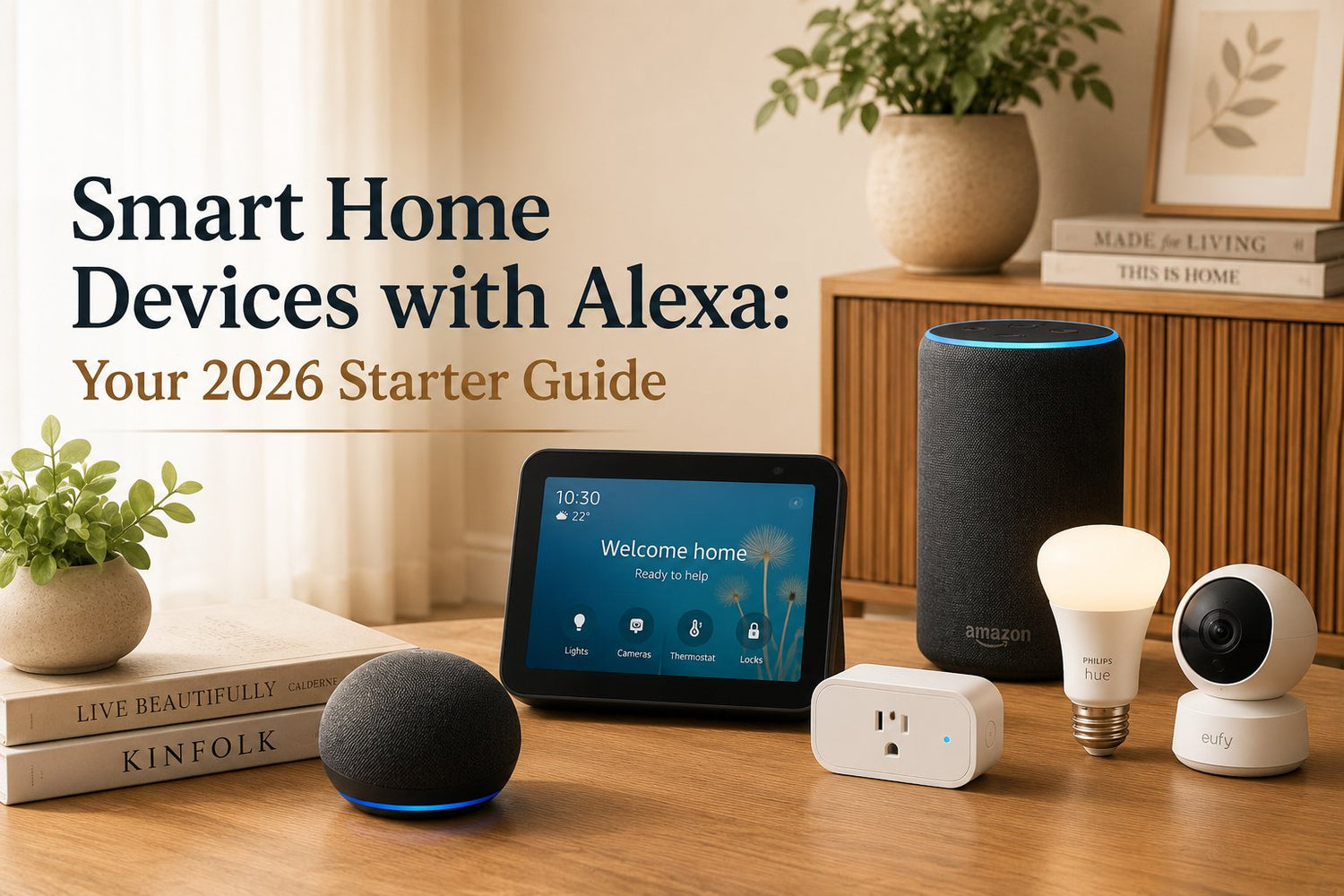
You've got an Echo on the counter. You've asked for the weather, played a playlist, maybe set a pasta timer. Then the obvious question shows up. What else can this thing do?
That question lands at the right time. Smart homes aren't a fringe hobby anymore. In Canada, 27% of households owned at least one smart-home device in 2023, up from 23% in 2020, according to this Statistics Canada summary cited by ElectroIQ. That shift means a lot of people have moved from curiosity to daily use. Alexa often becomes the front door into that change because voice control is simple, familiar, and easy to test one device at a time.
Think of Alexa as the orchestra conductor. The bulbs, plugs, thermostat, speaker, and door lock are the instruments. On their own, each can do one job. Together, they can act like a system.
If you like practical home upgrades, that same step-by-step mindset applies in other categories too, whether you're comparing smart plugs or reading something more appliance-focused like this guide to a De'Longhi automatic espresso machine. Start with one useful problem, then build from there.
Table of Contents
- Your Smart Home Journey Starts Here
- Understanding How Devices Talk to Alexa
- Popular Smart Home Device Categories for Alexa
- Your Step-By-Step Device Setup Guide
- Automating with Alexa Routines
- Choosing the Right Devices for Your Situation
- Security Best Practices and Common Questions
Your Smart Home Journey Starts Here
A smart home setup rarely begins with a master plan. It usually starts with one small irritation. A dark hallway when your hands are full. A fan you forget to switch off. A lamp across the room when you're already in bed.
That's where smart home devices with Alexa make sense. You don't need to automate your entire home in a weekend. You pick one routine that annoys you, hand that job to Alexa, and see if the convenience feels worth it.
A common first win is a living room lamp on a smart plug. You say, “Alexa, turn on the lamp,” and suddenly the Echo stops being just a speaker. It becomes a control point. Add a bulb in the bedroom, then maybe a thermostat or air purifier later, and the house starts to feel coordinated instead of cluttered.
Practical rule: Start with devices you already touch every day. Lights, plugs, and speakers usually give the fastest payoff.
The biggest mistake beginners make is shopping by gadget type instead of by living situation. A renter needs portable gear that can leave with them. A homeowner can justify built-in switches or thermostats. A small office cares less about novelty and more about repeatable setup across rooms.
Alexa works well in that gradual, practical style. You can build one room, one habit, and one voice command at a time.
Understanding How Devices Talk to Alexa
If a product says it works with Alexa, that can mean a few different things. The result may look the same to you. You say a command and the light turns on. But under the surface, devices don't all connect in the same way.
That matters because setup effort, speed, and reliability can differ a lot. It's the difference between “plug it in and go” and “why am I installing three apps just to control one bulb?”

The four connection paths that matter
Wi-Fi devices connect through your home network. Many smart plugs, bulbs, cameras, and air purifiers use this route. These are often the easiest starting point because you don't usually need extra hardware.
Bluetooth devices use short-range wireless pairing. This is more common for audio accessories and a smaller set of simple controls. It can be handy, but it's usually less flexible for whole-home automation.
Zigbee devices often need a compatible hub, though some Echo devices can act as that bridge. Think of Zigbee as a private lane for smart-home traffic. It's popular for sensors, bulbs, and some locks.
Brand-specific hubs or Alexa Skills are where beginners get confused. An Alexa Skill is like a translator app. Your smart device speaks one language, Alexa speaks another, and the Skill helps them understand each other. Some systems also require the brand's own hub before Alexa can see the device.
If you ever wonder why one product needs only the Alexa app and another needs the brand app plus a Skill, this is why.
Why compatibility language matters on the box
When you shop, look for phrases such as Works with Alexa, Matter, Zigbee, or wording that mentions a required hub. Those labels tell you how much setup work you're signing up for.
Alexa's broad device support is one reason many people build around it. A market summary reported that North America accounted for 41.0% of the smart-speaker market in 2022, while Amazon Echo held about 67% of smart-speaker ownership overall, according to Market.us data cited here. For a buyer, the practical takeaway is simple. A large installed base usually means more brands bother to support Alexa properly.
If you're comparing connected air-quality gear, that same compatibility check matters as much as filtration specs. This review of the GoveeLife smart air purifier is a good example of the kind of product where app support and voice control matter together.
Not every useful home item needs to be smart, either. A basic organiser such as the HOME AESTHETICS HA-5138 Swing Garbage Bin 15L still plays a role in a tidy kitchen, office, or bathroom. Smart homes work best when connected devices sit inside an already organised space.
Popular Smart Home Device Categories for Alexa
Once you understand compatibility, the next question is usually simpler. What should you buy first?
The answer depends less on what's trendy and more on what you want to control without walking over to it. For most homes, the practical categories are lighting, plugs, climate, security, entertainment, and a handful of kitchen or cleaning devices.
What each category actually helps with
Smart lighting is often the easiest upgrade to notice. You can turn lights on by voice, dim them, or group several together. A simple command is, “Alexa, dim the living room lights to 50%.”
Smart plugs make ordinary devices feel smarter. Table lamps, fans, kettles with physical switches, and holiday lights are common examples. You might say, “Alexa, turn off the coffee corner.”
Climate control includes thermostats, fans, heaters, and some air purifiers. The core benefit is comfort with less fiddling. For example, “Alexa, set the bedroom to a cooler temperature,” or “Alexa, turn on the purifier.”
Security devices cover cameras, video doorbells, alarms, locks, and sensors. Voice control isn't the only point here. The bigger value is status and routine support, such as locking up at night or checking whether a room is occupied.
Entertainment devices include smart speakers, TVs, streaming sticks, and sound systems. For many people, Alexa often begins with these devices. Commands like “Alexa, play jazz in the kitchen” feel natural because they match what people already expect from a speaker.
Kitchen and cleaning devices vary more by brand. Some microwaves, coffee makers, robot vacuums, and air fryers can join the system. The best use cases tend to be repeatable tasks, not complicated cooking. If cleaning is your first target, a guide like this one on the Lefant M210P robot vacuum shows the kind of routine-friendly device people often pair with Alexa.
A good first device doesn't impress guests. It removes one repetitive task from your day.
Alexa-compatible device categories at a glance
| Device Category | Common Examples | Primary Use Case |
|---|---|---|
| Lighting | Smart bulbs, smart switches, LED strips | Voice control, dimming, room scenes |
| Smart plugs | Lamps, fans, holiday lights, simple appliances | Turn ordinary devices on or off |
| Climate control | Thermostats, fans, heaters, air purifiers | Manage comfort and air quality |
| Security | Cameras, locks, doorbells, sensors | Monitor access and automate safety routines |
| Entertainment | Speakers, TVs, streaming devices | Music, audio groups, media control |
| Kitchen and cleaning | Robot vacuums, coffee makers, some microwaves | Repeatable chores and timed tasks |
A useful test is this. If a device already has a clear on or off action, a schedule, or a common daily command, Alexa can probably make it more convenient.
Your Step-By-Step Device Setup Guide
Buying the device is the easy part. Setup is where people either get excited or give up. The good news is that your first Alexa device setup is usually much simpler than it looks.

A simple first setup with a smart plug
A smart plug is the best beginner example because it teaches the core process without wiring or drilling.
- Plug it in and power it on. Most new plugs enter pairing mode automatically. If not, hold the setup button until the indicator light changes.
- Open the brand's app if required. Some plugs can be added directly in Alexa. Others need their own app first.
- Connect the plug to your Wi-Fi. Follow the prompts carefully and stay on the same network your Echo uses.
- Open the Alexa app. Go to device setup or discovery.
- Enable the Skill if the brand requires one. This is the translator step.
- Run device discovery. Alexa searches for new devices and adds the plug.
- Rename it clearly. “Living room lamp” is better than “Plug 1.”
- Assign it to a room group. Put it in Bedroom, Kitchen, Office, or another clear location.
Room groups matter more than people expect. If your lamp is in the Living Room group, “Alexa, turn off the living room lights” can control multiple devices together without a custom routine.
When Matter makes setup easier
Some newer devices support Matter, and that's worth prioritising if you want less friction. Amazon says Alexa can connect to Matter devices locally over Wi-Fi or Thread without a separate hub or cloud-dependent smart-home skill, and that local control can improve reliability and keep control working during internet outages in some situations, as explained in Amazon's Matter support documentation.
In plain language, Matter can remove middlemen. Fewer handoffs usually means fewer things to break.
Here's a helpful visual walkthrough before you try it yourself:
For a simple setup, keep your first project small:
- Start with one room: A bedroom lamp or office fan is easier than tackling the whole house.
- Name devices how you speak: If you'd naturally say “desk lamp,” use that exact name.
- Avoid duplicate names: “Lamp,” “bedroom lamp,” and “side lamp” can confuse voice commands.
- Group before you automate: Setup goes faster when Alexa already knows what belongs in each room.
The smoothest smart home isn't the one with the most devices. It's the one where the names make sense.
A system like Philips Hue may add a brand hub before Alexa enters the picture. That isn't bad. It just means your setup path starts in the manufacturer's app, then moves into Alexa for voice control and routines.
Automating with Alexa Routines
Routines are the part of Alexa that saves time every day. Voice control is useful, but routines let your home react the same way you would. Alexa works like an orchestra conductor here. One cue starts several actions in the right order.
A routine follows a simple pattern. When one thing happens, Alexa carries out one or more steps. The trigger might be a phrase, a schedule, motion from a sensor, or a device changing state. The result is less tapping, fewer repeated commands, and fewer small decisions.
A morning routine makes the idea click
At 6:45 a.m., you walk into the kitchen before you are fully awake. Instead of giving three or four separate commands, one routine can turn on the right lights, start a speaker, and switch a plug on for a coffee station or kettle if your setup supports it. The home feels prepared, not busy.
That practical benefit matters more than novelty. Good automation handles repeated moments you already have, such as waking up, leaving home, starting work, or settling in for bed.

If your routine starts in the kitchen, the lighting still has to support the task. Automated lights and a better layout solve the same problem from different angles. These ideas for better kitchen lighting can help you plan both together.
How to build your first routine
Start small. Pick one repeated moment and automate only that.
Inside the Alexa app, the setup usually looks like this:
- Choose a trigger. Use a voice phrase, a specific time, motion, or a device event.
- Add the actions. Turn lights on or off, play music, change thermostat settings, make an announcement, or control a plug.
- Arrange the timing. If needed, add a short delay so the actions happen in a sensible order.
- Run a test. Live testing quickly shows naming mistakes or devices that respond slowly.
If you are new to routines, begin with a voice trigger. It is the easiest to predict and troubleshoot. Scheduled routines are the next simplest. Sensor-based routines are useful once you trust the basics, because a poorly placed motion sensor can feel helpful one day and annoying the next.
A few strong starter ideas:
- Leaving home: Turn off lights in selected rooms and stop music.
- Bedtime: Switch off common-area lights and leave one low bedroom lamp on.
- Office open: Start a desk lamp, fan, or air purifier at the beginning of the workday.
- Bathroom night light: Late-night motion turns on a dim light instead of full brightness.
Build routines around moments you repeat, not around every device you own.
That approach also makes better sense for different living situations. A renter who may move can rebuild a routine called “bedtime” or “leave home” in minutes, even if the next apartment has a different floor plan. A homeowner can keep the same routine names while swapping portable devices for built-in ones over time. A small office or multi-unit property manager can standardize the same routine structure across rooms or units, which makes setup, training, and troubleshooting much easier.
The goal is simple. Create routines you would miss if they disappeared tomorrow. Those are the ones worth keeping.
Choosing the Right Devices for Your Situation
A good Alexa setup should fit the way you live now and still make sense if your address, floor plan, or staff changes later. Alexa works like the orchestra conductor. The devices are the instruments. The trick is choosing instruments you can live with, maintain, and move without turning your setup into a weekend project.
That is why your first question should not be, "Which gadget is popular?" Ask, "What will still be practical six months from now?"
For renters who might move
Renters usually benefit from portable gear first. Smart plugs, smart bulbs, indoor cameras that sit on a shelf, and tabletop Echo speakers are the easiest place to start because they go in a box when you leave.
That matters more than it sounds.
A wall switch or wired doorbell may look tidier, but a renter often needs permission, tools, and time to install it properly. A smart plug does one simple job well. It adds control to a lamp, fan, or coffee maker without changing the apartment itself. If you move, you unplug it, reset it, and use it again.
A useful renter checklist is short:
- Can I remove it without repairs?
- Will it still work if the next place has a different layout?
- Can I set it up again without relearning everything?
- Does it still work in a normal way if a guest ignores Alexa?
If you answer "yes" to those four questions, you are usually looking at a safe purchase.
For homeowners building for the long term
Homeowners have more freedom, so the decision changes. You can start with portable devices for quick wins, then add built-in pieces where daily convenience is strongest, such as smart switches, thermostats, doorbells, outdoor cameras, and sensors.
The easiest way to choose is room by room, not gadget by gadget.
A kitchen light that everyone uses ten times a day may be a better candidate for a smart switch than a decorative lamp in a guest room. A front door camera may matter more than a smart bulb in the hallway. A thermostat can keep paying you back every day because it affects comfort without anyone needing to remember a voice command.
If cleaner air is part of your home plan, this guide to choosing an air purifier for the kitchen shows the same kind of room-by-room thinking that helps with smart home decisions too.
For small offices and multi-unit setups
Small offices, short-term rentals, and multi-unit properties have a different problem. The goal is not having the most interesting setup. The goal is getting repeatable results.
Standardization helps more than variety. If every unit has a different bulb brand, app, reset method, and naming style, small problems multiply fast. If five units use the same plug, the same Echo type, and the same naming pattern, setup and troubleshooting stay much simpler.
A practical approach looks like this:
- Use the same device models across rooms or units when possible.
- Name devices by place first, then function. "Unit 2 Entry Light" is clearer than "Entry Light."
- Choose products that are easy to reset and re-pair during staff or tenant turnover.
- Keep manual control obvious so the space still works without voice commands.
GrifGlo organizes home, kitchen, organization, and smart-living products in a way that can make repeat purchasing easier when you are equipping several spaces with similar basics.
If you manage multiple units, ask the replacement question before you buy. Can you swap this device quickly? Can a new tenant or employee understand it without training? Can you keep the same naming system in every room? Those answers matter more than a long feature list.
The best Alexa setup is the one you can still explain, maintain, and rebuild without stress.
Security Best Practices and Common Questions
Convenience is the selling point. Good habits are what keep the setup comfortable to live with.
Three habits worth setting up early
Review voice-history settings. Alexa lets you manage voice interactions and privacy settings inside the app. Spend a few minutes there before you fill the house with devices.
Secure your Wi-Fi. Your smart home depends on your network. Give your router a strong password, keep firmware updated, and avoid sharing your main network casually.
Turn on two-factor authentication. If your Alexa account or device-brand account supports it, enable it. That extra login step is worth the small hassle.
The simplest security upgrade is often not a new device. It's better account hygiene.
Common questions
What happens if the internet goes down?
Some devices lose cloud-based features, but local control can still work in some setups. Devices that support local paths, such as Matter-based control in Alexa, can be more resilient.
Can my whole family control the devices?
Usually, yes. The smoother setup is to use shared room names and clear routine names so everyone asks for the same thing in the same way.
Do I need the most expensive Echo?
No. Pick based on where it will live and whether you care more about sound, screen features, or simple voice control.
Are devices from the U.S. compatible in Canada?
Sometimes yes, sometimes not. Check regional app support, plug type, voltage needs where relevant, and whether the Alexa integration is available for Canada before you buy.
If you're building a smarter kitchen, a renter-friendly setup, or a standardised multi-room system, GrifGlo offers practical buying guides and organised product categories that help narrow choices without turning every purchase into a research project.



Leave a comment
This site is protected by hCaptcha and the hCaptcha Privacy Policy and Terms of Service apply.